
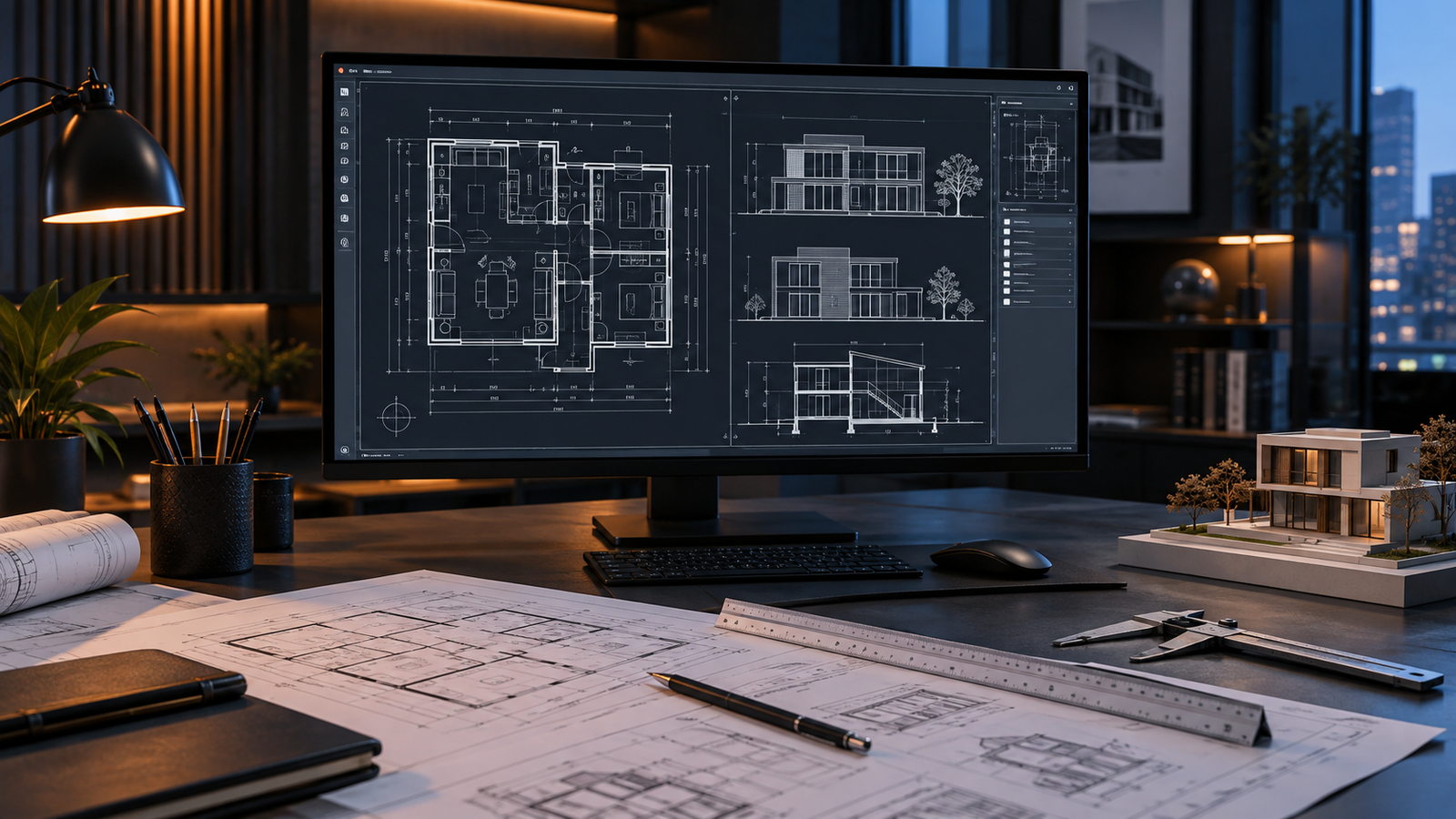
A complex software project seldom if ever stalls due to an easily apparent issue. Sometimes a slow render or non-responsive model can completely throw a person off for the day. As software grows more complex and nuanced, so do the demands it makes on a PC workstation. The right kind of machine helps to ensure that even the most taxing applications function reliably and consistently.
Understanding Workloads
Deciding what kind of workstation to use begins with determining what applications get used and whether they use a lot of system resources. For a professional engaged in design and engineering, the Hexagon BricsCAD Intel Core Ultra workstation might be a good choice depending on what applications they use. Not all applications make the full use of a multi-core processor. Some are single-threaded, and some otherwise favor particular kinds of hardware. It is always necessary to identify what a professional does with their PC in order to get the most out of it.
The Role Of The CPU
The application a professional uses determines what kind of workstation they need. Demanding applications make the most use of the CPU, and a powerful enough core might mean the ability to do more work before needing to take a break. For someone who works in the fields of architecture, engineering, or related media and entertainment, this is an especially useful characteristic. The faster a CPU is able to perform, the less time operations take up. However, this might only be the case at certain temperatures, with certain kinds of other hardware, or in relation to other workstations. Performance under prolonged load may matter more than peak performance, particularly if the user has a short deadline.
Memory Allocation And Storage
Professionals frequently deal with more data than most consumer applications. Large design assemblies, detailed drawings, expansive media edits, and large scale files of all kinds overwhelm most standard computers. Once memory limits are passed, the system must use storage as a substitute which can slow the computer down significantly as data is moved between storage and memory. Memory also affects the ability to have multiple applications running at the same time.
Before deciding on any new workstation, it is worthwhile to ensure that there is enough memory present for all of the applications a person utilizes. Each of these applications likely also has storage requirements. Storage devices like NVMe SSDs allow for substantial increases to transfer speeds, but they also consume memory when used at maximum speeds. Some applications function better with particular amounts of memory. In general, it is often more useful to have extra memory rather than extra storage because applications are likely to require more memory than storage.
Efficient Content Creation
Creating media is different from creating or manipulating data, partly because media files often see significant increases in size with each created generation. A setup running HandBrake on an AMD Ryzen workstation could prove useful for its particular balance of CPU power and cooling options. Depending on what kind of media one edits, hardware, and software options become more and less relevant. Several common sense options for making media editing easier exist:
- High-Speed SSDs
- More Memory
- Encoding Settings
- Operating System Compatibility
- Graphics Hardware and Heating Profiles
Each of these individually and in concert with the others allow a media production workstation to function at a higher level. It is also vital to test out a few different encoding options, profiles, and source file formats. For professional studios and individuals who edit dozens of files, this can significantly compound the advantages of an optimized media workstation.
Storage And Connectivity
Professional projects seldom utilize any single device, particularly not even a PC, to complete work. Moving data from one device to another is time-consuming when it uses USB, Wi-Fi, or other low-speed transfer methods. Some projects rely on very large data files. For example, engineering projects require every part to be meticulously organized, while high-bitrate video files take up substantial storage and move slowly between devices. NVMe SSDs can benefit almost any application that handles large amounts of local data. Meanwhile, network hardware makes it easy to access and sync that data across multiple PCs.
Using USB or Thunderbolt peripherals also helps, particularly for external GPUs and storage. A few sensible organizational practices aid in avoiding issues with data transfers.
Day-to-Day Optimization
The hardware in a PC represents only a fraction of the options available to optimize the way a person works. Software, drivers, security applications, and other factors also play a role in the stability and speed of applications. It is always important that a new PC receives consistent maintenance and that each application gets updated regularly and functions at an acceptable level before doing any kind of extensive project. A good daily and weekly maintenance routine should include checking the status of applications used in professional projects. It is always worthwhile to free up memory and storage where possible. Doing consistency checks of system stability and performance is not recommended as a routine, but several software benchmarks might help to indicate whether any applications are slower than they should be.
Looking Ahead
PC performance is an important factor in almost all application workloads. The best workstations allow professionals to accomplish more work in the same amount of time. They allow for smaller changes to take effect and for the computer to handle more complex aspects of a given application. In short, a high-performance PC allows a professional to get results faster, better, and closer to their intention. Cloud Ninjas can suggest the right workstation options for nearly any application in order to help organizations and individuals alike accomplish more with less.